Business Intelligence Tools: Best BI, Analytics & Data Visualization
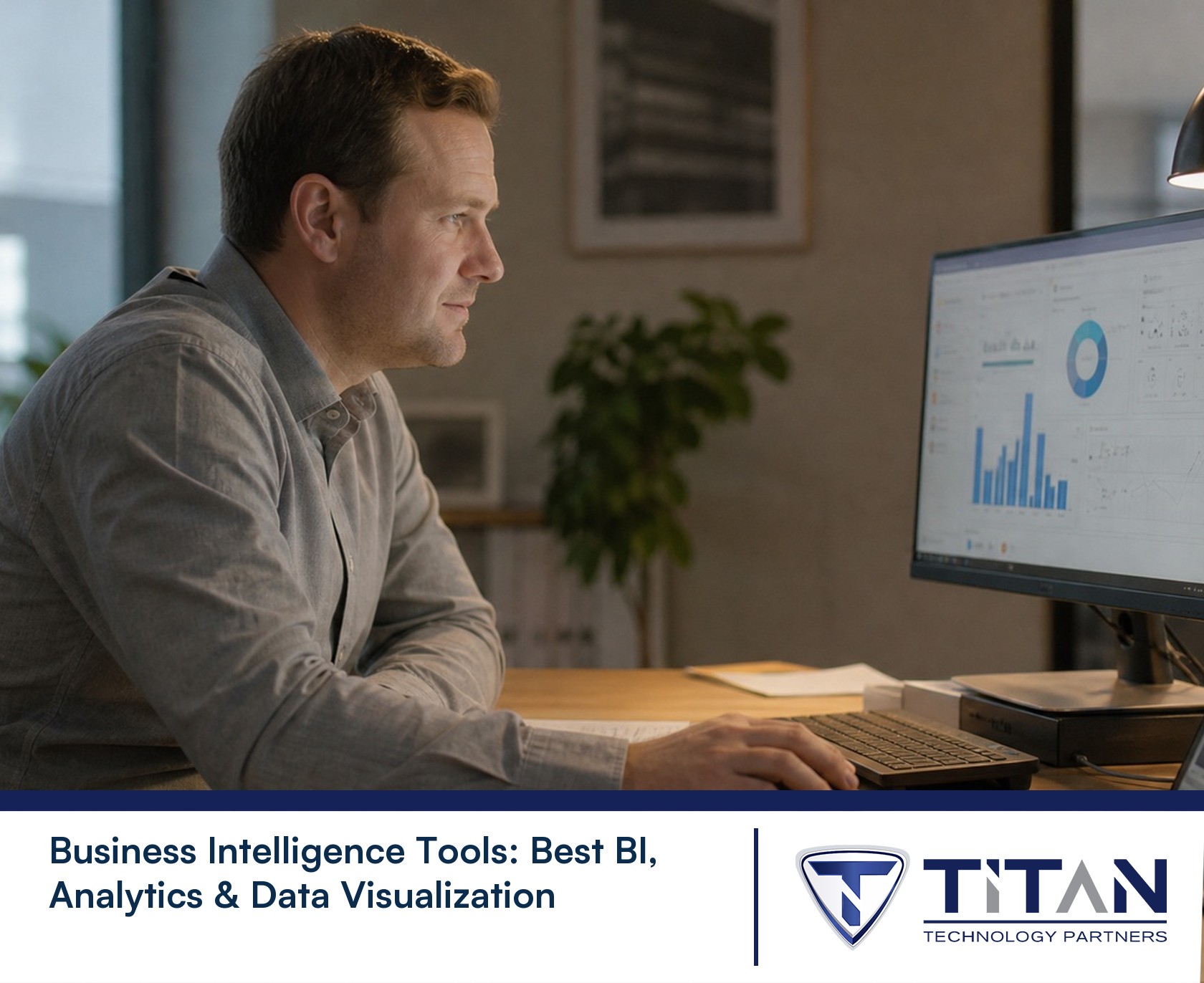
What we keep hearing from businesses is that they collect more data than ever, but struggle to turn it into useful insights. Many teams invest in business intelligence tools but end up using only a fraction of their features, missing out on real value.
Business intelligence tools help you turn raw data into actionable insights, making it easier to spot trends, track metrics, and make smarter decisions. Industry research shows that companies using the right BI tool can improve decision-making speed by up to 5 times. If you want to stay competitive, understanding how business intelligence tools work, and how to choose the right one can make all the difference. These platforms connect to your data source, pull information into interactive dashboards, and offer visualization options so business users and analysts can explore data without needing to be technical experts. Whether you use Power BI, Tableau, or another business intelligence platform, the goal is the same: help your team make better choices, faster.
What are business intelligence tools and why do they matter?
Business intelligence tools are software applications that collect, process, and display business data in a way that’s easy to understand. They pull information from databases, spreadsheets, and cloud systems, then organize it into dashboards or reports. This helps you see patterns, measure performance, and answer important questions about your business.
The main reason these tools matter is that they turn complex data into simple visuals. Instead of guessing, you can use facts to guide your business decisions. With more companies relying on data every year, using a reliable system like a BI platform is becoming a must, not just a nice-to-have. The right business intelligence tool can help you spot problems early, find new opportunities, and keep your team focused on what works.

Common mistakes to avoid with business intelligence tools
Even with the best business intelligence tools, mistakes can happen. Here are some of the most common issues we see and how you can avoid them.
Mistake #1: Ignoring data quality
If your data is messy or outdated, your analytics will be unreliable. Always check your data sources for errors and keep them updated. Clean data leads to better insights and more accurate business decisions.
Mistake #2: Overcomplicating dashboards
Dashboards should make information clear, not confusing. Too many charts or metrics can overwhelm users. Focus on the most important data visualization elements, so your team can quickly spot what matters.
Mistake #3: Not training business users
A BI tool is only as good as the people using it. Offer training so everyone understands how to use the features. This helps non-technical staff get the most out of the platform.
Mistake #4: Skipping integration with other systems
Business intelligence tools work best when they connect to all your key systems, like Salesforce or your data warehouse. Make sure your BI solution can pull in data from every important source.
Mistake #5: Failing to set clear goals
Without clear goals, it’s hard to measure success. Decide what you want to achieve with your analytics platform before you start building dashboards or reports.
Mistake #6: Underestimating security needs
Protecting your data is critical. Choose BI software that meets your industry’s security standards and train your team on safe data practices.
Mistake #7: Not updating your BI platform
Technology changes quickly. Regularly update your business intelligence tool to access new features, improve performance, and keep your data safe.
Essential features of business intelligence tools
When choosing a business intelligence tool, look for these key features:
- Easy-to-use dashboards for quick access to important data
- Data integration from multiple sources, including cloud and on-premises systems
- Real-time reporting so you always have the latest information
- Customizable data visualization options to fit your business needs
- Self-service analytics so non-technical users can build their own reports
- Predictive analytics and AI-powered insights for smarter forecasting

How AI and predictive analytics are changing business intelligence
AI and predictive analytics are transforming how companies use business intelligence tools. Instead of just looking at what happened in the past, these features help you predict what might happen next. For example, machine learning can spot patterns in your sales data that humans might miss, giving you a head start on new trends.
With AI-powered BI software, you can automate routine tasks, like updating dashboards or sending alerts when certain metrics change. This saves time and lets your team focus on making decisions instead of crunching numbers. Predictive analytics also helps you plan for the future, so you can adjust your strategy before problems arise.
Steps to get the most from your business intelligence solution
Getting the best results from your business intelligence solution takes planning. Here are the steps that make a difference.
Step #1: Define your business goals
Start by deciding what you want to achieve. Are you trying to improve sales, reduce costs, or track customer satisfaction? Clear goals help you choose the right metrics and dashboards.
Step #2: Choose the right BI tool
Not all business intelligence tools are the same. Compare options like Power BI, Tableau, and others to find the one that fits your needs and budget.
Step #3: Connect all your data sources
Make sure your BI platform can pull data from every important system—databases, spreadsheets, cloud apps, and more. The more complete your data, the better your insights.
Step #4: Build interactive dashboards
Create dashboards that let users explore data on their own. Drag-and-drop features and real-time updates make it easier for everyone to find answers quickly.
Step #5: Train your team
Offer training for both technical and non-technical users. The more comfortable your team is with the tool, the more value you’ll get from your investment.
Step #6: Monitor and adjust
Check your dashboards and reports regularly. If something isn’t working, update your data model or add new metrics to keep your analytics platform useful.

Practical tips for implementing business intelligence tools
Rolling out a new business intelligence tool can feel overwhelming, but a few practical steps can make the process smoother. Start by involving both IT and business users early, so you get input from everyone who will use the system. This helps you avoid surprises and makes adoption easier.
Next, focus on quick wins. Set up a simple dashboard or report that solves a real problem for your team. Once people see the value, they’ll be more likely to use the tool like it’s meant to be used. Finally, keep your BI software updated and review your analytics regularly to make sure you’re getting the most from your investment.
Best practices for successful business intelligence adoption
Here are some best practices to help your business intelligence project succeed:
- Involve both technical and non-technical users in planning and setup
- Start with a small project to show value quickly
- Keep dashboards simple and focused on key metrics
- Update your data sources and reports regularly
- Offer ongoing training and support for all users
- Review your analytics platform’s performance and adjust as needed
Following these steps can help you avoid common pitfalls and get the most from your business intelligence tools.

How Titan Technology Partners can help with business intelligence tools
Are you a growing business with 15 to 50 users looking to make smarter, data-driven decisions? If you want to get more from your business intelligence tools but aren’t sure where to start, our team is here to help.
We understand the challenges of choosing, setting up, and maintaining business intelligence solutions. Titan Technology Partners can guide you through every step—from picking the right BI software to training your staff and keeping your analytics platform running smoothly. Contact us today to see how we can help your business unlock the full power of your data.
Frequently asked questions
What is the difference between a business intelligence tool and traditional reporting?
A business intelligence tool offers interactive dashboards and real-time data analysis, while traditional reporting usually means static reports that are updated less often. With BI tools, you can explore data, drill down into details, and create custom visualizations, making it easier to spot trends and make decisions quickly.
These platforms connect to multiple data sources, like databases and cloud apps, so you always have the latest information. Traditional reports often require manual updates and don’t offer the same level of flexibility or insight.
How can analytics help my business grow?
Analytics can show you patterns in your sales, customer behavior, or operations that you might miss otherwise. By using analytics, you can make smarter choices about where to focus your efforts, which products to promote, or how to improve service.
Modern analytics platforms use AI and machine learning to give you deeper insights, helping you stay ahead of the competition. They turn raw data into actionable steps for your team.
What should I look for in the best BI solution for my team?
Look for a BI solution that is easy to use, connects to all your important data sources, and offers strong data visualization tools. It should support both technical and non-technical users so everyone can get value from the platform.
The best BI solutions also offer self-service features, real-time updates, and strong security. Make sure it fits your business size and goals.
Can business intelligence tools work with Microsoft and Salesforce?
Yes, most business intelligence tools are designed to integrate with Microsoft products and Salesforce. This allows you to pull data from these systems and combine it with other sources for a complete view.
Integration makes it easier to build dashboards and reports that include all the information your team needs. Check that your chosen BI platform supports these connections before you start.
How do predictive analytics and AI improve business decisions?
Predictive analytics and AI can analyze large amounts of data quickly, spotting patterns and trends that humans might miss. This helps you make more accurate forecasts and plan for the future.
AI-powered BI tools can automate routine tasks, like updating dashboards or sending alerts. This frees up your team to focus on strategy and high-value work.
What are the key features of a good business intelligence platform?
A good business intelligence platform should offer interactive dashboards, customizable reports, and strong data integration. It should be easy for both analysts and business users to use.
Look for features like drag-and-drop report building, real-time updates, and support for multiple data models. These features help you turn data into actionable insights quickly.