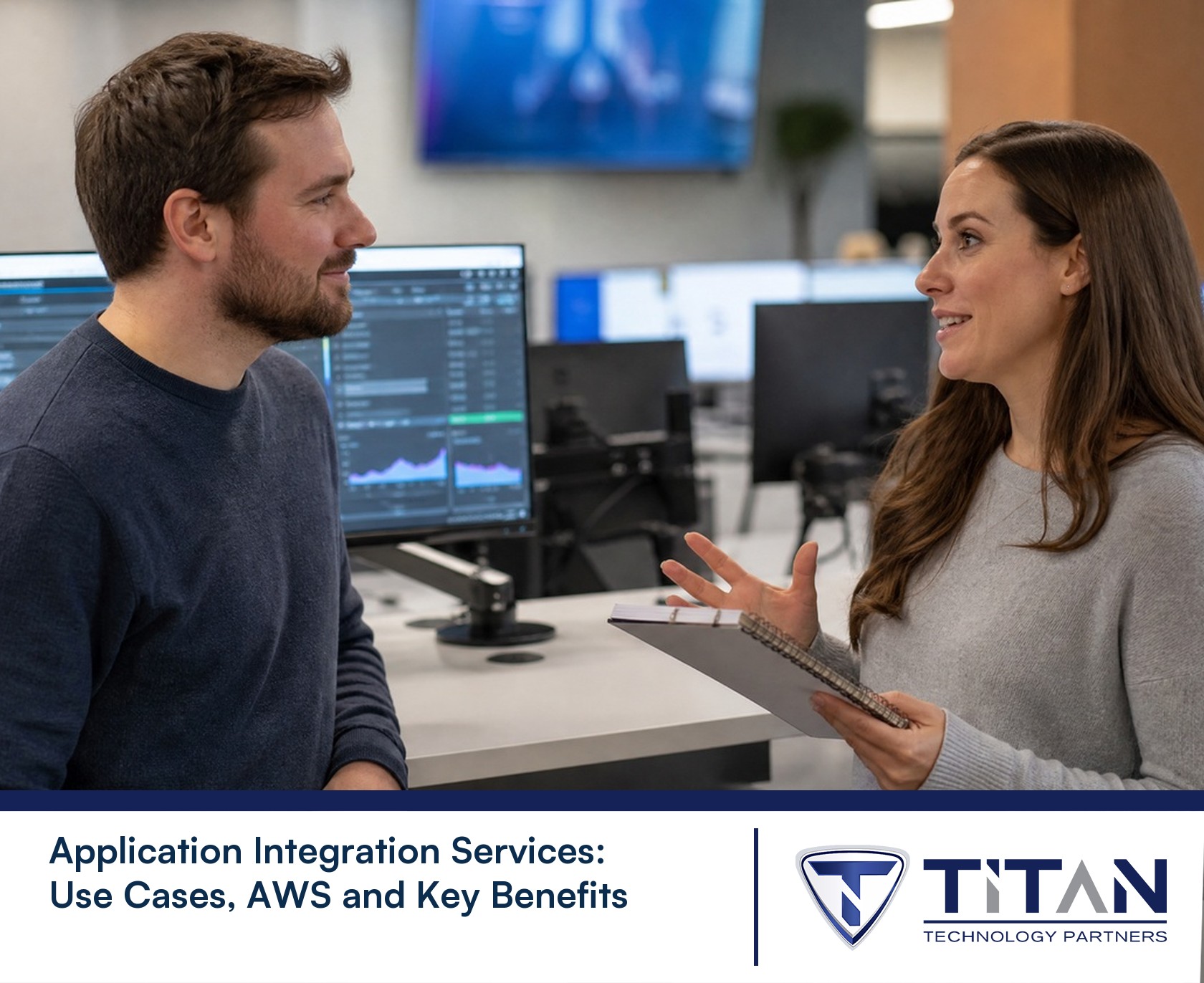
Application Integration Services: Use Cases, AWS and Key Benefits
What we keep hearing from businesses is how often teams end up manually re-entering the same data into different systems, not realizing there’s a smarter way. "Application integration services connect your business tools so data flows automatically and work gets done faster." Industry research shows that companies using integration service platforms can cut manual data entry by up to 50%.
Application integration services are all about connecting your different software applications—like your CRM, ERP, and cloud tools—so they work together as one system. This means you can automate workflows, reduce errors, and make sure everyone always has the right information. Whether you’re using APIs, iPaaS, or event-driven integration, the goal is to help your business run more smoothly and respond faster to changes. With so many integration solutions and technologies available, it’s important to pick the right approach for your needs.
Understanding application integration services
Application integration services help you connect applications and automate how data moves between them. Instead of working in silos, your systems can talk to each other in real-time, which means less manual work and fewer mistakes. This is especially useful for businesses using cloud software, SaaS platforms, or multiple enterprise applications.
By using the right integration tool or platform, you can connect data sources like Salesforce, ERP, and CRM systems. This lets you automate routine tasks, improve data accuracy, and make better decisions. Integration also supports event-driven processes, where actions in one system trigger updates in another, keeping your business agile and responsive.

Common mistakes to avoid with application integration services
Even with the best intentions, businesses can run into trouble when setting up application integration services. Here are some mistakes you’ll want to avoid:
Mistake #1: Ignoring data quality issues
If you connect applications without cleaning up your data first, you risk spreading errors across your systems. Always check for duplicates and outdated information before starting any integration project.
Mistake #2: Overcomplicating integration patterns
Trying to use every integration mechanism at once can make things messy. Start simple—choose the integration patterns that fit your current needs, then expand as you grow.
Mistake #3: Not planning for scalability
Some integration solutions work well for a small workload but struggle as your business grows. Make sure your integration platform can handle more data and users in the future.
Mistake #4: Skipping security checks
When connecting multiple applications, it’s easy to overlook security. Always review access controls and make sure sensitive data is protected during data integration.
Mistake #5: Forgetting about monitoring and support
Once your integration is live, you need to keep an eye on it. Set up monitoring tools and have a support plan in place to quickly fix any issues.
Mistake #6: Failing to document integration workflows
Without clear documentation, it’s hard for your team to troubleshoot or update integrations later. Keep records of how systems are connected and what data flows where.
Key benefits of application integration services
Here’s why businesses choose application integration services:
- Automates manual tasks, saving time and reducing errors.
- Improves data accuracy by syncing information across all systems.
- Supports real-time decision-making with up-to-date data.
- Makes it easier to add new applications or scale as your business grows.
- Enhances collaboration by connecting teams and tools.
- Reduces IT costs by streamlining workflows and maintenance.

How data integration and automation drive business value
Data integration is at the heart of application integration services. By bringing together information from different sources, you get a complete view of your business. This helps you spot trends, fix problems quickly, and make smarter decisions.
Automation takes things further by handling repetitive tasks for you. For example, when a new customer signs up in your CRM, automation can update your ERP and send a welcome email—no manual work needed. With integration technologies like iPaaS, APIs, and event-driven workflows, even complex processes can be automated across cloud and on-premises systems.
Strategies for successful integration service implementation
Getting the most from application integration services means following a few proven strategies. Here’s how to set yourself up for success:
Strategy #1: Define clear business goals
Before you start, decide what you want to achieve—like faster order processing or better customer insights. Clear goals help you choose the right integration solutions and measure success.
Strategy #2: Choose the right integration technology
There are many integration technologies, from APIs to enterprise service buses. Pick the one that fits your business size, complexity, and budget.
Strategy #3: Focus on security and compliance
Protect your data by using secure integration mechanisms and following local regulations. This is especially important if you handle sensitive customer or financial information.
Strategy #4: Test integrations before going live
Always test your integrations with real data and workflows. This helps catch issues early and ensures everything works as expected.
Strategy #5: Train your team
Make sure everyone understands how the new integrations work. Provide training and clear documentation so users can get the most out of the system.
Strategy #6: Plan for ongoing support and updates
Integration isn’t a one-time project. Set up regular reviews and updates to keep your systems running smoothly as your business changes.

Essential features of modern integration platforms
A good integration platform should offer:
- Easy-to-use interface for building and managing integrations
- Support for multiple data sources, including cloud and on-premises apps
- Real-time data syncing and event-driven workflows
- Strong security and compliance features
- Scalable architecture to handle growing workloads
- Built-in monitoring and alerting tools
Practical considerations for implementing application integration services
When you’re ready to implement application integration services, start by mapping out your current systems and identifying where data needs to flow. Look for bottlenecks, manual processes, and areas where automation could save time. Involve key users early so you understand their needs and avoid surprises later.
Work with experienced partners or IT consultants who know the integration tools and technologies you’re considering. They can help you avoid common pitfalls and ensure your integration project meets your business goals. Don’t forget to plan for future growth—choose solutions that can scale as your company adds more users, data, and applications.
Best practices for application integration success
Follow these best practices to get the most from your integration project:
- Start with a clear plan and defined business outcomes.
- Involve stakeholders from IT, operations, and business teams.
- Choose integration tools that fit your technical skills and budget.
- Test everything before going live to avoid disruptions.
- Document your integrations for easier troubleshooting and updates.
- Monitor performance and adjust as your needs change.
A thoughtful approach helps you avoid setbacks and keeps your systems running smoothly.

How Titan Technology Partners can help with application integration services
Are you a business with 15 to 50 users looking for a smarter way to connect your software and automate your workflows? Growing companies often hit a wall with manual processes and disconnected systems, but you don’t have to stay stuck.
At Titan Technology Partners, we help you solve these challenges with reliable application integration services tailored to your needs. Our team guides you through every step—from planning and choosing the right integration platform to ongoing support—so you can focus on growing your business. Contact us to see how we can help you streamline your operations and get more value from your technology.
Frequently asked questions
How can integration help my business automate workflows?
Integration lets your applications share data and trigger actions automatically. For example, when a sale is made in your CRM, integration can update your ERP and notify your team instantly. This reduces manual work and speeds up your processes.
By using APIs and automation tools, you can connect applications like Salesforce, ERP, and SaaS platforms. This creates a seamless workflow where information moves between systems without delays or errors.
What are the main benefits of application integration for small teams?
Application integration services help small teams save time by automating repetitive tasks and reducing data entry errors. With real-time data flow, everyone stays on the same page.
Integration solutions also make it easier to add new tools as your business grows. You can connect applications like CRM, ERP, or even microservices without starting from scratch.
Which integration technology should I use for cloud and on-premises apps?
Choosing the right integration technology depends on your setup. iPaaS platforms are great for connecting cloud and on-premises applications with minimal coding.
If you need more control, an enterprise service bus or custom API integrations might be better. Look for integration tools that support both types of systems and can scale with your workload.
How do I ensure data integration is secure?
Security starts with choosing integration solutions that use encryption and strong access controls. Always review who can access your data and set permissions carefully.
Regularly update your integration platform and monitor for unusual activity. Using event-driven integration can also help by limiting data transfers to only when needed.
What are some common use cases of application integration?
Popular use cases include syncing customer data between CRM and ERP, automating order processing, and connecting SaaS apps like Salesforce with on-premises systems.
Integration can also help with real-time reporting, managing queues for high-volume workloads, and supporting event-driven business processes.
How do I choose between different application integration technologies?
Start by listing your business needs—like real-time data flow, automation, or connecting specific data sources. Then compare integration technologies based on features and ease of use.
Consider future growth and support for APIs, microservices, and enterprise service bus options. The right choice will depend on your technical skills, budget, and the complexity of your systems.