End-User Device Management Best Practices for User Devices & MDM
Managing technology for your team is more than just handing out laptops or phones. Businesses need to keep track of every device, from desktops to mobile devices, and make sure each one stays secure, updated, and productive. In this blog, you'll learn what end-user device management is, why it matters for your business, and how to handle everything from operating system updates to unified endpoint security. We'll cover practical tips, common mistakes, and the best ways to deploy management solutions for every end user.
Why end-user device management is often overlooked—and why that’s risky
A pattern we notice again and again is that many businesses only think about end-user device management when something goes wrong—like a lost laptop or a virus outbreak. "Most companies underestimate how much unmanaged devices can put data and productivity at risk." Industry research shows that unmanaged or poorly managed devices are one of the top causes of security breaches and downtime.
End-user device management is the process of controlling, monitoring, and securing all the devices your team uses for work. This includes everything from smartphones and tablets to desktops and laptops. The goal is to make sure every device is safe, up to date, and working properly. Without a clear plan, you risk losing data, slowing down work, and even breaking local security policies. A good device management strategy helps you stay ahead of problems and keeps your business running smoothly.

Common mistakes in end-user device management (and how to avoid them)
Even with the best intentions, businesses often make mistakes that can lead to bigger problems down the road. Here are some of the most common issues and how you can avoid them.
Mistake #1: Ignoring mobile device management (MDM)
Some companies focus only on desktops and forget about mobile devices. This leaves a big gap in your security. MDM helps you control, update, and protect smartphones and tablets, which are just as important as any other device.
Mistake #2: Weak device management policies
If you don’t set clear rules for how devices are used, you open the door to risky behavior. Policies should cover things like password requirements, app installations, and how to report lost or stolen devices.
Mistake #3: Delaying operating system updates
Waiting too long to update devices can leave you open to security threats. Make sure updates are pushed out regularly and automatically to all user devices.
Mistake #4: Overlooking endpoints outside the office
With more people working remotely, endpoints aren’t always in the office. Make sure your management tools can reach devices wherever they are, not just on your local network.
Mistake #5: Forgetting about BYOD (bring your own device)
Letting employees use their own phones or laptops can be convenient, but it also adds risk. Set up a BYOD policy and use management solutions that can handle both company-owned and personal devices.
Mistake #6: Not using unified endpoint management (UEM)
Trying to manage different types of devices with separate tools can get messy. UEM lets you control everything from one place, making it easier to keep track of all your endpoints.
Mistake #7: Skipping regular reviews of your management solution
Technology changes fast. Review your device management setup at least once a year to make sure it still meets your needs and follows current best practices.
Key benefits of strong end-user device management
A well-managed device environment brings real advantages to your business:
- Better security for company and customer data across all devices
- Easier tracking and control of every device in use
- Faster response to lost, stolen, or compromised devices
- Improved productivity by reducing downtime and tech issues
- Simpler compliance with industry and local regulations
- Lower IT costs by preventing problems before they start
The role of management tools and solutions in device security
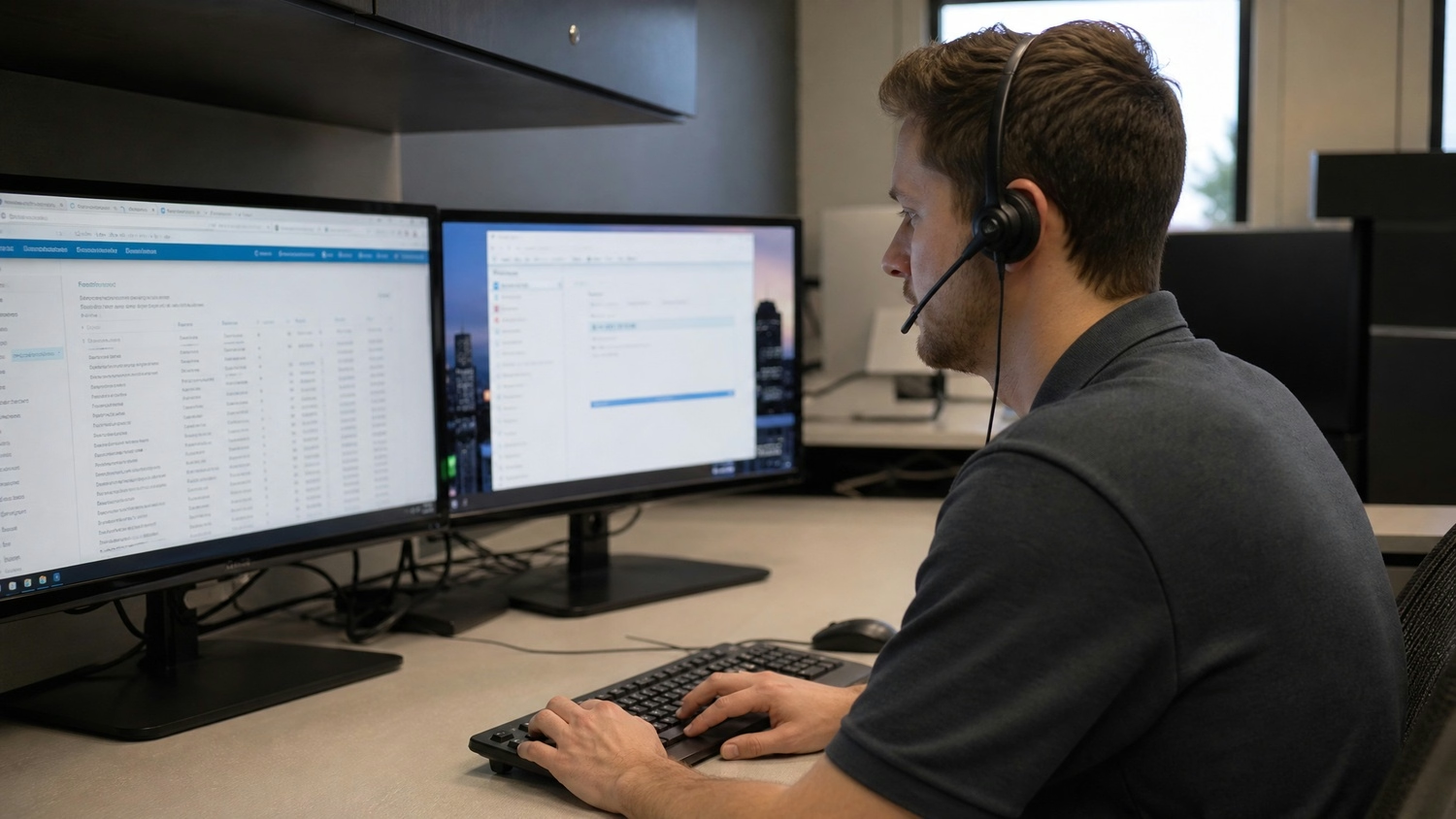
Reliable management tools are the backbone of any end-user device management plan. They help you automate updates, enforce security settings, and monitor device health without having to check each device manually. For example, a unified endpoint management solution can handle everything from laptops to IoT devices, making your job much easier.
These tools also let you deploy patches quickly, track which devices need attention, and even lock or wipe a device if it’s lost. By using current management solutions, you can keep your business data safe and make sure your team stays productive—no matter where they’re working from.
How to choose the right end-user device management strategy
Picking the best approach for your business depends on your size, needs, and the types of devices you use. Here are some key steps to help you decide.
Step #1: Assess your current device inventory
Start by making a list of every device your team uses, including desktops, laptops, and mobile devices. Knowing what you have is the first step to managing it well.
Step #2: Define your security policies
Set clear rules for passwords, app installations, and how to handle lost or stolen devices. Make sure everyone understands and follows these policies.
Step #3: Choose the right management solution
Look for tools that fit your business size and device types. Some solutions are better for small teams, while others handle large, mixed environments.
Step #4: Plan for BYOD and remote work
Decide if you’ll allow personal devices and how you’ll manage them. Make sure your strategy covers remote workers and devices outside the office.
Step #5: Automate updates and patches
Set up your system to push out updates automatically. This keeps devices secure and saves you time.
Step #6: Train your team
Teach employees how to use their devices safely and what to do if something goes wrong. Good training can prevent many common problems.
Step #7: Review and improve regularly
Check your device management plan at least once a year. Update your policies and tools as your business grows or new threats appear.

Practical steps for deploying end-user device management
Getting started with end-user device management doesn’t have to be complicated. First, choose a management solution that fits your needs and budget. Make sure it can handle all the device types your team uses, from desktops to mobile devices and even IoT endpoints.
Next, set up your policies and communicate them clearly to your team. Automate as much as possible—like updates and security checks—to reduce manual work. Finally, monitor your devices regularly and adjust your approach as your business changes. This way, you’ll stay ahead of problems and keep your business running smoothly.
Best practices for successful end-user device management
Following a few simple rules can make a big difference in how well you manage your devices:
- Keep an up-to-date inventory of all devices
- Use automated tools for updates and security checks
- Set clear, easy-to-follow device usage policies
- Train employees on security basics and device care
- Review your management plan regularly and adjust as needed
- Respond quickly to lost, stolen, or compromised devices
Sticking to these best practices will help you avoid common problems and keep your business safe and productive.

How Titan Technology Partners can help with end-user device management
Are you a business with 15 to 50 users looking for a better way to manage your devices? If your team is growing and you need a smarter, safer approach to end-user device management, we can help you get there.
Our team at Titan Technology Partners specializes in helping businesses like yours set up reliable systems for device management. We’ll work with you to find the right tools, set clear policies, and keep your devices secure—so you can focus on running your business. Contact us today to get started.
Frequently asked questions
How do I start with device management for a small team?
For a team of 15 to 50 users, begin by listing all your user devices, including laptops and desktops. This helps you see what needs to be managed and where to focus your efforts. Next, choose a management solution that fits your team size and supports the operating system your devices use. Set up basic security policies and automate updates to keep everything secure.
What is the difference between end-user devices and endpoints?
End-user devices are the tools your employees use daily, like smartphones, tablets, and laptops. Endpoints include these devices plus other connected equipment, such as IoT sensors or printers. Managing both helps you protect your network and keep productivity high.
Why is mobile device management (MDM) important for my business?
MDM lets you control and secure mobile devices, which are often more vulnerable to threats. With MDM, you can deploy updates, enforce security policies, and even wipe lost devices. This is especially important if your team uses BYOD or works remotely.
How can I make sure my end-user device management is up to date?
Regularly review your management tools and update your device management policies as your business grows. Use automated patch management to keep every device current and secure. Don’t forget to train your team on new features or threats.
What are the best practices for managing BYOD in my company?
Set clear BYOD policies that explain what’s allowed and how personal devices should be secured. Use a unified endpoint management tool to monitor and protect both company-owned and personal devices. Make sure employees know how to report issues and follow your guidelines.
How do management tools help with compliance and security?
Management tools automate many tasks, like pushing out security patches and monitoring device health. This helps you stay compliant with industry rules and reduces the risk of data breaches. Choose solutions that offer reporting features so you can track compliance easily.